Know what’s
remaining.
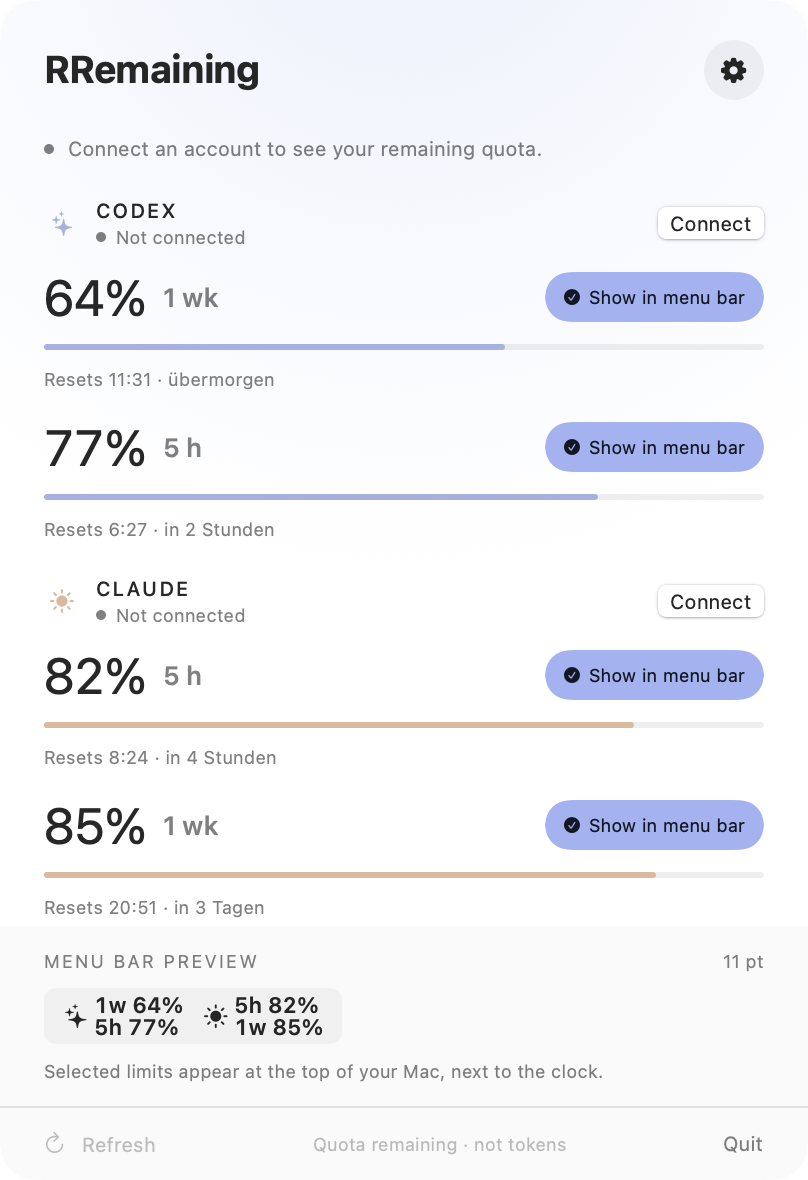
Limits go faster than you think. RRemaining keeps Codex and Claude quota in your menu bar, where you actually look.
Buy for 1 €
It lives
up here.
Right next to the clock, on every Space, over every app. No window to open. Look up, keep going. Try the meter in the bar at the top of this page.



Your bar.
Your rules.
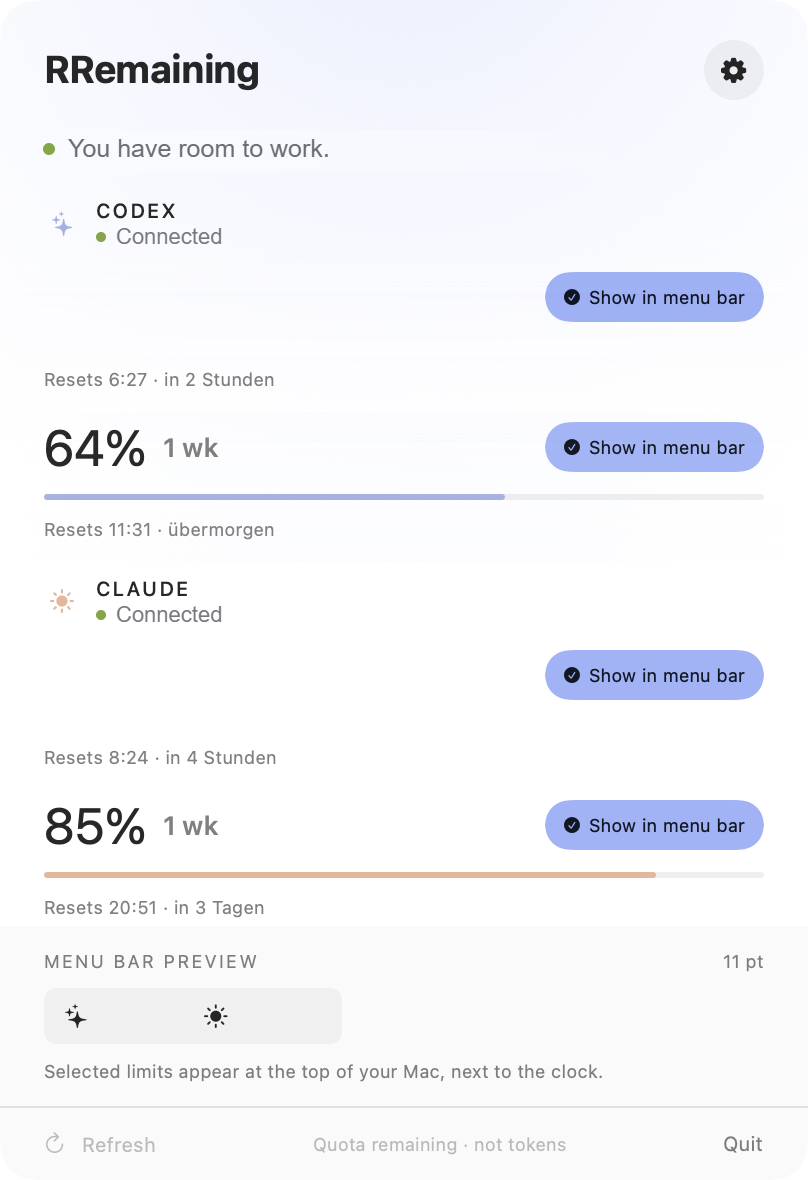
Pick the limits that matter to you. Icons or short names, labels or none, three text sizes, seven accent colors. Go ahead, click around.
Faster than
you think.
When you are deep in a task, you are not checking your usage. A few big prompts can burn through a 5-hour window in one afternoon, and you only find out when the next request fails.

Why I
built this.
I use Codex and Claude Code every day. Every few days one of them stopped me in the middle of something, because a limit I couldn’t see had run out.
The numbers were there. Just hidden behind a command or a settings page I never had open. So I put them where I already look, all day: the menu bar.
RRemaining is small on purpose. It reads what the official tools report, keeps it on your Mac, and costs one euro. Once.
Three steps.
Then forget it.
Connect Codex.
The official local app-server handles sign-in and returns your Codex quota windows.
Connect Claude.
The official Claude Code CLI checks usage in the background. No message. No open Terminal.
Glance. Keep going.
Your remaining quota is right up top. Resets and freshness are one click away.
No subscription. Compatible 1.x updates included. Signed and notarized by Apple. macOS 14 or newer.
WOW Finally an App for that. It works perfectly and looks very pretty. The price is also really nice!
More than just helpful! I‘ve been having some issues with my token usage as I always run out too early but with this tool I am able to have total visibility of my tokens and can use them more effectively
Good
questions.
Claude Code and Codex usage limits in your Mac menu bar, explained.
How do I see my Claude Code usage limit on my Mac?+
Install RRemaining and connect Claude Code in its settings. Your remaining Claude usage for the 5-hour window and the weekly limit then sits in the macOS menu bar, next to the clock, with the reset time one click away.
Can I see Codex usage limits in the menu bar?+
Yes. RRemaining reads the Codex 5-hour and weekly usage windows from the official local Codex tools and shows the remaining percentage in the menu bar. You choose which limits appear.
Does it show Claude and Codex at the same time?+
Yes. Both providers can sit side by side in the menu bar, as icons or short names, with or without 5h / 1w labels.
Is this a token counter?+
No. RRemaining shows the remaining share of each usage window and when it resets, not exact token counts. Codex limits are not a universal ChatGPT allowance.
What do I need?+
macOS 14 or newer on Apple silicon or Intel, plus the official Codex and/or Claude Code tools with an eligible account. Background Claude checks need Claude Code 2.1.236 or newer. Claude Desktop alone is not sufficient.
Where does my data go?+
Nowhere. Quota values and settings stay on your Mac. RRemaining stores no prompts, chat content, passwords, API keys or session tokens and runs no login proxy.
What does it cost?+
1 € once. No subscription. Compatible 1.x updates are included.